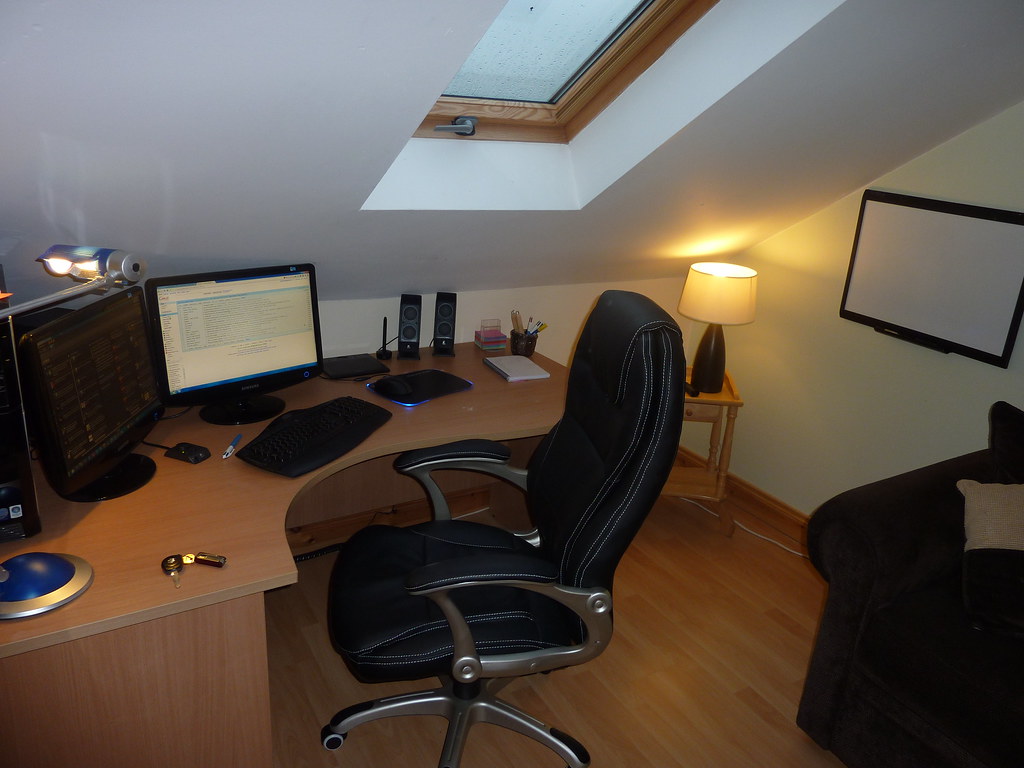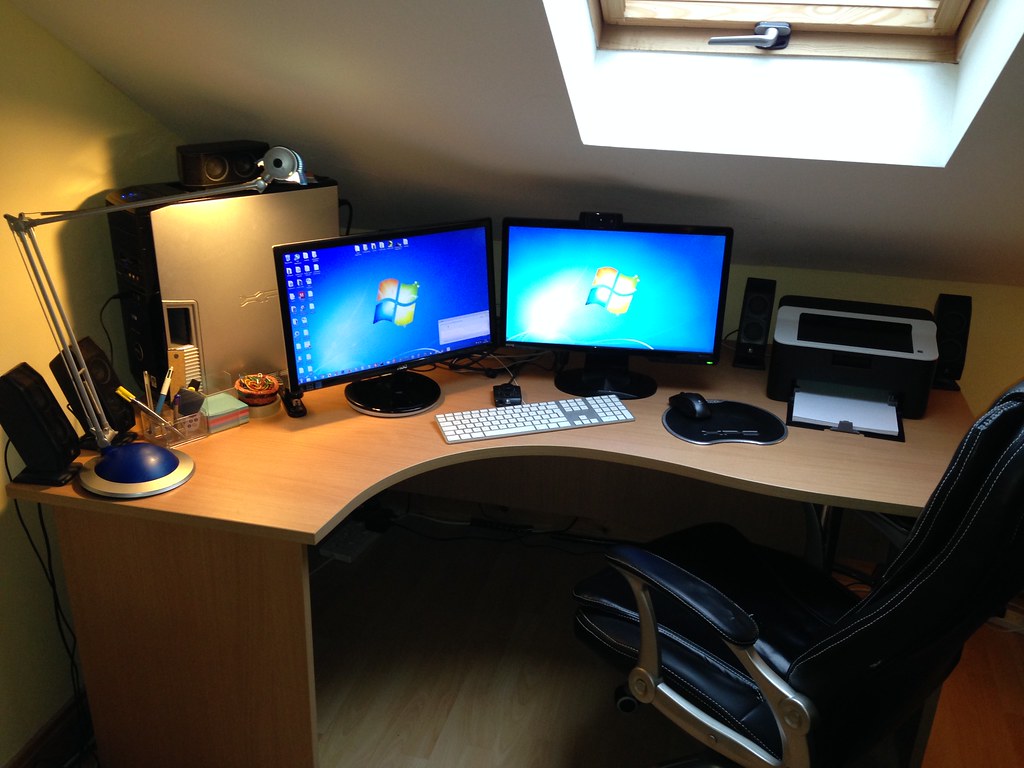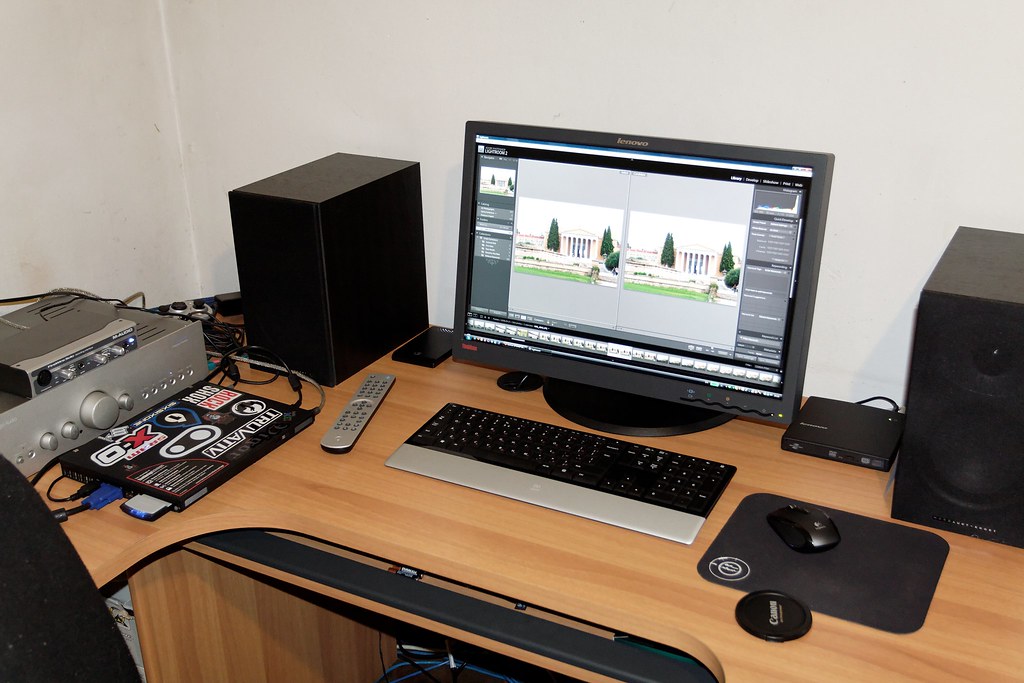
Photo by Daniel Panev via flickr (BY-SA)
Remote work has undeniably reshaped the modern professional landscape, bringing with it unprecedented flexibility and access to global talent pools. However, this transformation has also ushered in new challenges, chief among them "Zoom fatigue"—a pervasive sense of exhaustion, anxiety, and burnout associated with over-reliance on video conferencing platforms. This phenomenon transcends simple screen fatigue; it's a complex interplay of cognitive overload, non-verbal communication deficits, and the relentless demands of constant virtual presence. Understanding and actively mitigating Zoom fatigue is no longer a niche concern but a critical component of sustainable remote work, impacting everything from individual well-being to team productivity and retention.
This article delves into actionable, evidence-based tactics designed to alleviate the burden of video call exhaustion. It's for anyone navigating the remote or hybrid work environment—individual contributors struggling with back-to-back virtual meetings, team leads observing dipping engagement, or organizational leaders committed to fostering a healthy and productive digital workplace. By the end of this exploration, readers will possess a comprehensive toolkit to proactively combat Zoom fatigue, transforming their virtual interactions from draining necessities into effective, energizing collaborations.
Key Insights for Sustainable Virtual Engagement
- Strategic Scheduling is Paramount: Avoid consecutive video calls. Implement buffer times and consider "no-meeting" blocks to allow for deep work and cognitive breaks.
- Camera On/Off Flexibility: Empower participants to choose when to activate their cameras, recognizing that constant visual performance contributes significantly to fatigue.
- Optimize Meeting Agendas & Duration: Shorten meetings, set clear objectives, and pre-circulate materials to maximize efficiency and minimize idle screen time.
- Incorporate Analog Breaks: Encourage physical movement and disengagement from screens during breaks to reset cognitive functions and reduce eye strain.
- Leverage Asynchronous Communication: Shift discussions that don't require real-time interaction to tools like Slack, Teams, or project management platforms to reduce video call volume.
- Spatial and Sensory Management: Optimize your physical workspace for video calls, controlling lighting, background, and minimizing distractions.
Deconstructing the Digital Drain: Understanding Zoom Fatigue
The term "Zoom fatigue" has become ubiquitous, but its underlying mechanisms are multifaceted. It's not just about staring at a screen; it's about the unique cognitive and emotional demands of video conferencing. Research from institutions like Stanford University has highlighted several key contributors:
- Excessive Close-Up Eye Contact: Unlike in-person meetings where we can glance around, video calls often force us into a direct, unblinking gaze with multiple faces. This intense, prolonged eye contact can be perceived as confrontational or aggressive by our brains, leading to a heightened state of alertness and stress.
- Cognitive Load of Non-Verbal Cues: In a physical meeting, interpreting body language is largely subconscious. On video calls, however, we have to work harder to send and receive non-verbal cues. Lagging audio, pixelated video, and small on-screen faces make it challenging to read micro-expressions or natural pauses, forcing our brains to expend more energy to compensate for these communication deficits [Atlassian]. This constant decoding effort is mentally exhausting.
- Self-Evaluation Anxiety ("Mirror Anxiety"): Many platforms display a self-view of the participant during calls. Constantly seeing oneself can lead to self-consciousness and a perpetual state of self-evaluation, akin to looking in a mirror for hours. This focus on self-presentation rather than the conversation itself drains mental resources.
- Reduced Mobility and "Caged" Feeling: Video calls often confine participants to a fixed position in front of a camera. The natural human tendency to move, fidget, or walk around during conversations is suppressed, leading to physical stiffness and a psychological sense of being trapped, contributing to mental fatigue [Microsoft].
- Perpetual "On" Performance Culture: The expectation to appear engaged and attentive on camera at all times creates a performance pressure that is unsustainable. This constant 'on-stage' feeling is taxing, as individuals feel they must actively project presence even when passively listening.
The cumulative effect of these factors goes beyond simple tiredness; it can manifest as irritability, difficulty concentrating, reduced productivity, and even an aversion to future virtual interactions. Addressing Zoom fatigue isn't just about making meetings more pleasant; it's about safeguarding mental health and ensuring the long-term viability of remote and hybrid work models.
Actionable Strategies for Mitigating Video Call Exhaustion
Implementing effective Zoom fatigue reduction tactics requires a multi-pronged approach, involving individual habits, team norms, and organizational policies.
1. Architecting the Meeting Schedule with Deliberation
The most direct way to reduce fatigue is to reduce the cognitive load imposed by meeting schedules.
- The 50/25 Minute Rule: Instead of scheduling 60-minute or 30-minute meetings, shorten them to 50 or 25 minutes, respectively. This automatically builds in a crucial 10-5 minute buffer between calls, allowing participants to stretch, grab a drink, mentally transition, or attend to personal needs. This small change can dramatically improve focus in subsequent meetings.
- Strategic No-Meeting Blocks: Encourage and enforce "no-meeting" blocks or even "no-meeting" days. Many organizations designate specific afternoons or a full day (e.g., Wednesday afternoons) as meeting-free zones. This provides uninterrupted time for deep work, creative thinking, and asynchronous collaboration, reducing the pressure of constant virtual availability [Atlassian].
- Consolidate and Combine: Challenge the necessity of every meeting. Can two shorter, related meetings be combined into one efficient session? Can information be shared asynchronously instead?
- Breaks are Non-Negotiable: For longer virtual workshops or training sessions, schedule explicit, generous breaks (e.g., 15 minutes every 90 minutes). Encourage participants to step away from their screens entirely during these breaks.
2. Cultivating a Flexible Camera Culture
The constant pressure to have one's camera on is a significant contributor to self-evaluation anxiety and the performance burden.
- Empower Choice: Team leads should clearly communicate that having cameras off is acceptable and, at times, encouraged. Frame it as a tool for well-being, not a sign of disengagement. For example, a team might agree that cameras are required for the first 10 minutes for introductions and then optional.
- Purposeful Camera Use: Reserve camera-on requirements for specific scenarios where visual cues are truly critical, such as sensitive discussions, brainstorming sessions, or initial team-building exercises.
- "Audio-Only" Breaks: Suggest that for certain parts of a longer meeting, or for less formal check-ins, everyone can switch to audio-only. This allows people to move around or look away from the screen without missing information.
3. Optimizing Meeting Structure and Content
Inefficient meetings exacerbate fatigue. Streamlining the virtual meeting experience is vital.
- Clear Agendas with Pre-Reads: Every meeting should have a clear, concise agenda distributed in advance. Crucially, attach any necessary pre-reading materials and expect participants to review them beforehand. This ensures everyone arrives prepared, reducing time spent on information dissemination during the call [CMI].
- Time-Boxing Discussions: Assign specific time limits to each agenda item and designate a timekeeper. This keeps discussions focused and prevents tangents that prolong the call unnecessarily.
- "No Update Meetings": If a meeting is primarily for status updates, consider if a shared document (e.g., a Microsoft Loop component, a Confluence page, or a Google Doc) can serve the purpose asynchronously. Team members can contribute updates at their convenience, and the meeting time can be reallocated.
- Engage Actively, but Variously: Use interactive features like polls, Q&A, and breakout rooms to break the monotony of passive listening. However, also be mindful not to over-stimulate. A balance is key.
4. Fostering Movement and Sensory Breaks
Physical stagnation and constant screen exposure are detrimental.
- Micro-Breaks for Movement: Encourage participants to stand up and stretch during longer calls, even if their camera is off. For shorter calls, suggest a quick walk around the room during the 5-minute buffer.
- "Walk and Talk" for 1:1s: For one-on-one meetings, especially those not requiring screen sharing, suggest a phone call while walking outdoors if feasible. This combines physical activity with connection.
- The Pomodoro Technique for Deep Work: While not strictly for meetings, applying principles like the Pomodoro Technique (25 minutes of focused work, 5 minutes break) to deep work sessions between meetings can help manage overall screen time and cognitive load.
- Eye Strain Reduction: Remind participants about the 20-20-20 rule: every 20 minutes, look at something 20 feet away for 20 seconds. OSHA's telework guidance emphasizes ergonomic considerations, including proper monitor distance and lighting to reduce eye strain [OSHA].
5. Leveraging Asynchronous Communication for Efficiency
Not everything needs a real-time meeting. Shifting to asynchronous communication can dramatically reduce meeting volume.
- Shared Documents and Wikis: For collaborative document creation, project updates, or decision-making processes that don't require immediate back-and-forth, utilize tools like Confluence, Google Docs, or Microsoft Loop. Comments and suggestions can be added over time.
- Dedicated Communication Channels: Platforms like Slack or Microsoft Teams are excellent for quick questions, sharing resources, or informal check-ins that would otherwise prompt a short, but still fatiguing, video call.
- Video Messages (Asynchronous Video): Tools like Loom or Microsoft Stream allow for recording short video messages. Instead of a meeting to explain a complex concept or provide a demo, record it and share the link. Viewers can watch at their convenience and pause/rewind as needed.
6. Optimizing the Physical and Digital Environment
A well-configured workspace can reduce environmental stressors.
- Lighting and Ergonomics: Position your light source in front of you, not behind, to avoid appearing as a silhouette. Ensure your monitor is at eye level, and your chair supports good posture, as recommended by OSHA's telework guidelines [OSHA].
- Background Management: Use virtual backgrounds judiciously. A simple, uncluttered physical background is often less distracting than a constantly shifting virtual one. If using a virtual background, ensure it's not glitchy, which can be distracting for others.
- Minimize Notifications: During calls, silence all non-essential notifications on your computer and phone to maintain focus and reduce cognitive fragmentation.
- Headset Comfort: Invest in a comfortable, high-quality headset. Poor audio quality on either end increases the cognitive effort required to understand speech, contributing to fatigue.
Common Missteps to Avoid
While implementing these tactics, it's easy to fall into traps that undermine their effectiveness.
- "Meeting Creep" Despite Policies: Introducing "no-meeting" days is useless if critical decisions or discussions still get squeezed into informal, unscheduled calls. Leadership must model and enforce these policies rigorously.
- Over-Reliance on "Fun" Features: While polls and breakout rooms can be engaging, overusing them or using them without a clear purpose can add to cognitive load rather than reduce it.
- Ignoring Individual Differences: Some individuals thrive on visual interaction, while others find it extremely draining. A blanket "cameras always on" or "cameras always off" policy fails to account for these differences. Flexibility and choice are key.
- Lack of Training and Communication: Simply implementing new tools or policies without proper communication and training can lead to confusion and resistance. Explain why these changes are being made and how they benefit everyone.
- Neglecting Analog Social Connection: While reducing video calls, ensure alternative opportunities for team connection and informal social interaction are still available. Without this, teams can feel isolated, even with fewer meetings. Microsoft's Work Trend Index consistently highlights the importance of social connection in remote environments [Microsoft].
To truly combat Zoom fatigue, organizations and individuals must adopt a mindful approach to virtual communication, prioritizing well-being and effectiveness over a default reliance on video. It’s a continuous process of experimentation, feedback, and adjustment, but the dividends—in terms of employee engagement, productivity, and mental health—are substantial.
Frequently Asked Questions
Q1: What's the biggest difference between "Zoom fatigue" and regular screen fatigue?
A1: Regular screen fatigue often stems from eye strain and prolonged static posture. Zoom fatigue encompasses these but adds significant cognitive and emotional burdens specific to video conferencing: the intense processing of non-verbal cues, self-evaluation anxiety from seeing oneself, and the performance pressure of constant "on-camera" presence. It's a deeper, more pervasive exhaustion linked to the unique demands of virtual social interaction.
Q2: My manager insists on cameras always being on. How can I address Zoom fatigue in this situation?
A2: This is a common challenge. You can gently advocate for flexibility by sharing articles (like this one!) or research on Zoom fatigue with your manager. Suggest specific scenarios where cameras could be optional (e.g., during presentations, large group check-ins, or when simply listening) to alleviate pressure. Focus on how reduced fatigue can lead to increased productivity and engagement in other parts of the meeting. In the meantime, ensure your physical setup is optimized (good lighting, comfortable chair), take micro-breaks, and practice mindful disengagement during moments when you don't need to be actively looking at the screen.
Q3: Are there any tools or apps that can help reduce Zoom fatigue?
A3: While no app can fully eliminate fatigue, several tools and practices can help. Scheduling tools (like Calendly or Outlook/Google Calendar's meeting duration settings) can enforce the 50/25-minute rule. Asynchronous communication platforms (Slack, Microsoft Teams, Trello, Asana) reduce the need for real-time meetings. Tools like Loom allow for asynchronous video messaging. For eye strain, apps that adjust screen color temperature (e.g., f.lux, Night Shift) can be beneficial. Ultimately, it's more about how you use these tools and less about the tools themselves.
Q4: How can I encourage my team to adopt these new practices without seeming critical of current methods?
A4: Frame it as an opportunity for collective improvement and well-being. Start by acknowledging the challenges remote work brings and introduce these tactics as solutions to common issues like burnout or difficulty concentrating. Suggest pilot programs for specific tactics (e.g., "Let's try 50-minute meetings for the next two weeks and see how it feels"). Emphasize the benefits for everyone: more focused work time, less exhaustion, and ultimately, better outcomes. Lead by example by implementing these changes in your own meetings.
Q5: What's the ideal number of video meetings per day or week to avoid fatigue?
A5: There's no single "ideal" number, as it varies greatly by role, individual preference, and meeting quality. However, a good guideline is to prioritize quality over quantity. Aim to have fewer, more purposeful meetings. Many productivity experts suggest limiting dedicated video call time to 2-3 hours per day maximum, allowing significant blocks for focused work. Regularly audit meeting schedules and challenge whether each meeting is truly necessary or if its objective could be met asynchronously.
References
- [OSHA] OSHA Telework Guidance: https://www.osha.gov/telework
- [Atlassian] Atlassian Remote Work Blog: https://www.atlassian.com/blog/remote-work
- [Microsoft] Microsoft Work Trend Index: https://www.microsoft.com/en-us/worklab/work-trend-index
- [CMI] CMI Remote Teams Guide: https://www.managers.org.uk/knowledge-and-insights/guide/managing-remote-and-hybrid-teams/
This article provides general educational information on managing Zoom fatigue.
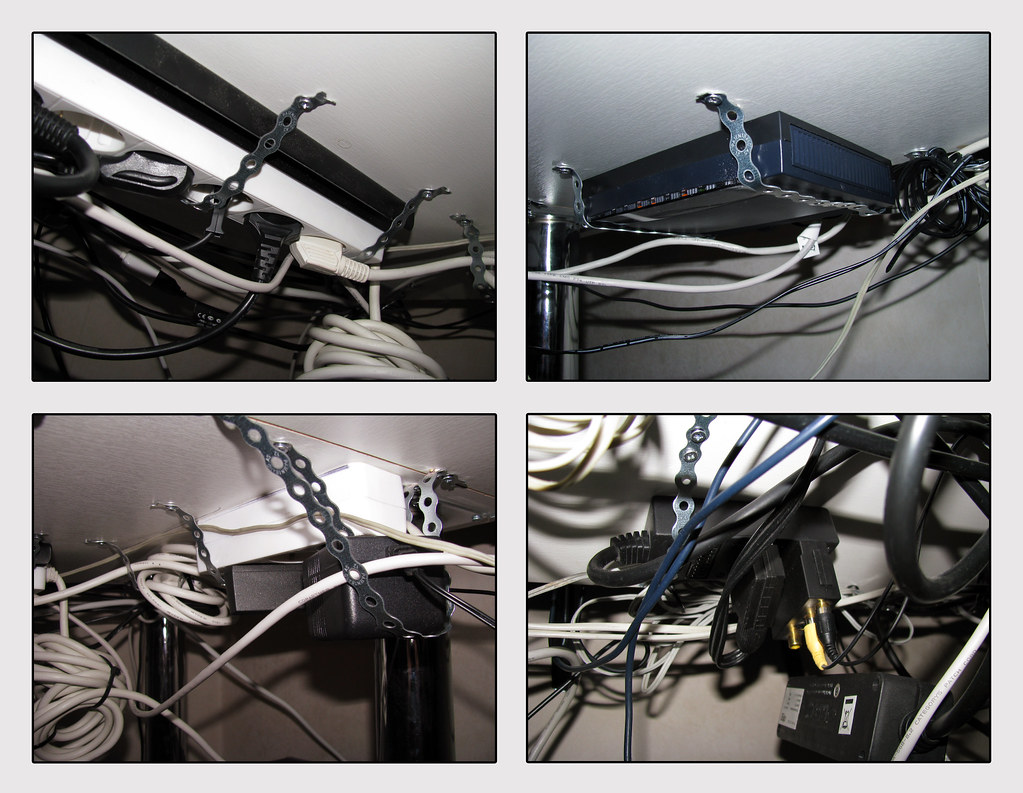
Photo by rintakumpu via flickr (BY)
Referenced Sources
- OSHA Telework Guidance — OSHA
- Atlassian Remote Work Blog — Atlassian
- Microsoft Work Trend Index — Microsoft
- CMI Remote Teams Guide — CMI