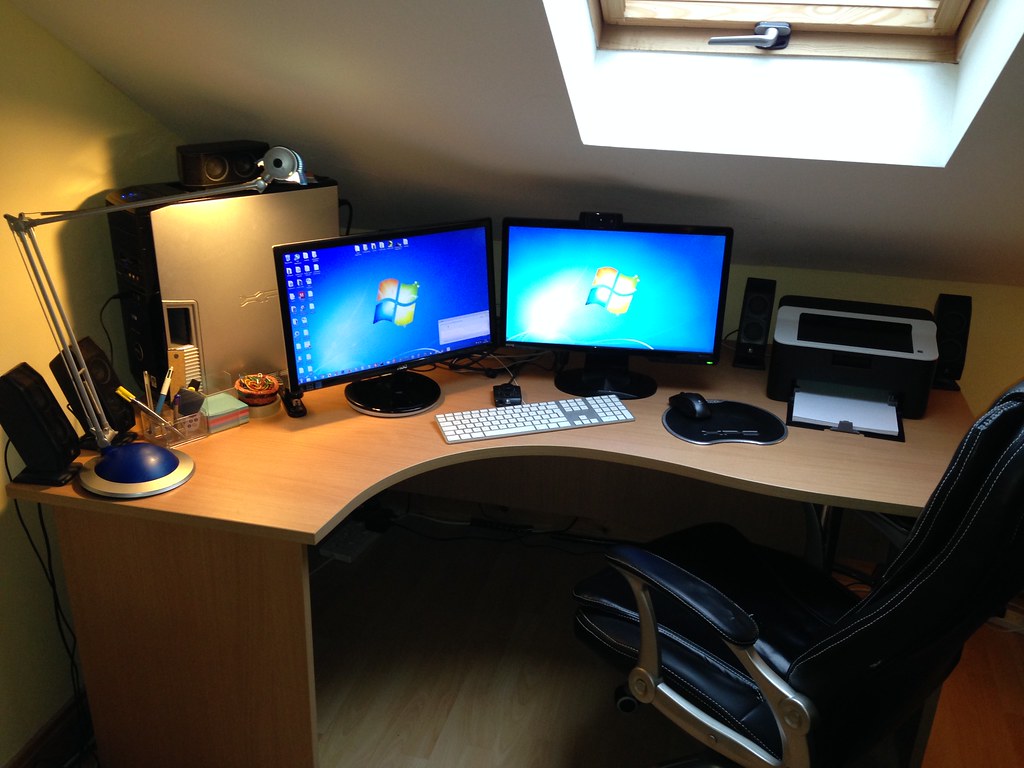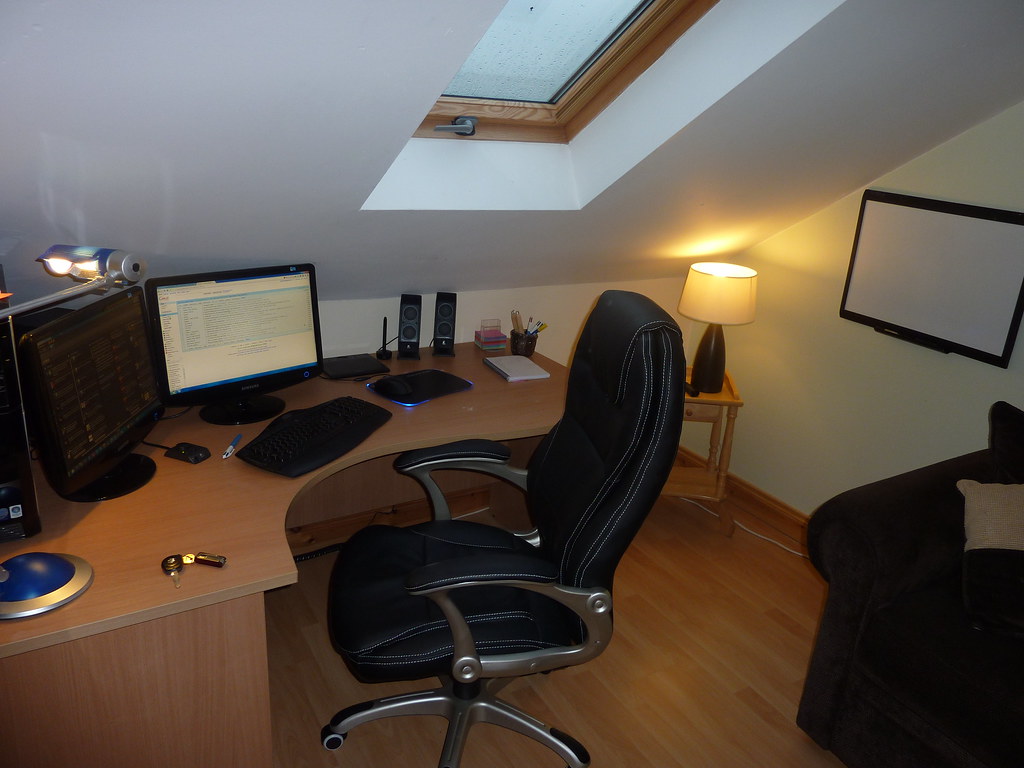
Photo by Sean MacEntee via flickr (BY)
Calendar blocking for deep work is a strategic time management technique where individuals proactively schedule specific, uninterrupted blocks of time on their digital calendars for highly focused, cognitively demanding tasks. Unlike simply listing tasks on a to-do list, calendar blocking reserves explicit time slots, treating deep work as non-negotiable appointments [HBR]. This method is particularly potent in remote work environments, where the lines between work and personal life often blur, and distractions from instant messages, emails, and unscheduled meetings are rampant. By carving out dedicated periods, professionals aim to achieve a state of "flow" – a mental state in which a person performing an activity is fully immersed in a feeling of energized focus, full involvement, and enjoyment in the process of the activity.
This approach is for anyone struggling with fragmented attention, constant interruptions, or a feeling of being reactive rather than proactive in their daily tasks. It's especially beneficial for knowledge workers, creatives, developers, writers, and managers who require sustained concentration to produce high-quality output. Remote teams, in particular, can leverage calendar blocking to combat the "always-on" culture and create boundaries that foster productivity without burnout [Slack]. If your days feel like a series of disjointed responses to external stimuli rather than a deliberate progression of meaningful work, then understanding and implementing calendar blocking for deep work is your next essential step towards regaining control and boosting your impact.
Key Takeaways
- Proactive Scheduling: Deep work isn't an afterthought; it's a scheduled, non-negotiable appointment on your calendar.
- Combatting Distraction: Dedicated blocks help shield against the constant barrage of digital interruptions common in remote settings.
- Enhanced Focus & Flow: Uninterrupted time fosters a state of deep concentration, leading to higher quality output and reduced cognitive load.
- Boundary Setting: Calendar blocking communicates availability (or lack thereof) to colleagues, reducing ad-hoc requests.
- Improved Work-Life Harmony: By structuring work, professionals can more effectively delineate work hours from personal time, a critical aspect of remote well-being.
- Strategic Allocation: It forces a conscious decision about what truly warrants deep work, prioritizing high-impact activities.
The Unseen Costs of Fragmented Attention
In the modern remote work landscape, the concept of "deep work," as popularized by Cal Newport, has become more crucial than ever. Newport defines deep work as "professional activities performed in a state of distraction-free concentration that push your cognitive capabilities to their limit. These efforts create new value, improve your skill, and are hard to replicate" [HBR]. Conversely, "shallow work" refers to non-cognitively demanding, logistical tasks often performed while distracted.
The rise of digital communication tools, while enabling remote collaboration, has also inadvertently fostered an environment ripe for shallow work and constant context-switching. Instant messages, email notifications, and an expectation of immediate responses mean many professionals rarely experience sustained periods of uninterrupted focus. The Microsoft Work Trend Index has repeatedly highlighted the challenge of digital overload and the struggle to find focus amidst a barrage of meetings and communications [Microsoft]. This constant fragmentation comes with significant costs:
- Reduced Quality of Output: When attention is divided, the depth and thoughtfulness of work suffer.
- Increased Cognitive Load & Fatigue: Constantly switching tasks is mentally exhausting and leads to burnout.
- Extended Task Completion Times: What could be done in an hour of deep work might take three hours with interruptions.
- Stifled Creativity and Innovation: Breakthrough ideas often require sustained, uninterrupted thought.
- Diminished Sense of Accomplishment: Days filled with reactive tasks can leave one feeling busy but unproductive.
Calendar blocking directly addresses these challenges by creating an artificial, yet powerful, barrier against fragmentation, allowing individuals to reclaim their most valuable resource: focused attention.
Crafting Your Deep Work Sanctuary: A Practical Guide
Implementing calendar blocking for deep work is more than just adding an event to your calendar; it's a shift in mindset and a commitment to protecting your most valuable time. Here’s a step-by-step approach to integrate this practice effectively:
1. Identify Your Deep Work Tasks
Before you block time, you need to know what to block it for. Not all tasks warrant deep work. Review your weekly responsibilities and identify those that:
- Require significant cognitive effort (e.g., strategic planning, complex problem-solving, writing detailed reports, coding new features).
- Produce high-value outputs.
- Are difficult to complete with interruptions.
Example: Instead of a generic "Work on Project X," specify "Develop Q3 Marketing Strategy Document," "Debug Login Module," or "Draft Client Proposal for Acme Corp."
2. Determine Your Peak Productivity Windows
Everyone has times of the day when their energy and focus are naturally higher. Are you a morning lark who thrives on complex tasks before noon, or a night owl who hits their stride in the late afternoon?
- Morning: Many find early mornings ideal for deep work before the day's interruptions begin.
- Afternoon: Others prefer a post-lunch deep dive once initial communications are handled.
- Experimentation: If you're unsure, track your energy levels for a week to identify your personal deep work prime time.
3. Schedule Deep Work Blocks Like Non-Negotiable Meetings
This is the core of calendar blocking. Open your digital calendar (e.g., Google Calendar, Outlook Calendar) and create events for your deep work sessions.
- Duration: Start with 60-90 minute blocks. For highly complex tasks, you might extend to 2-3 hours, but be realistic about your sustained attention span. Shorter, focused blocks are often more effective than attempting marathon sessions that lead to burnout.
- Naming Convention: Use clear, descriptive titles such as "Deep Work: Q3 Strategic Planning," "Focus Time: Code Feature Y," or "Uninterrupted: Draft Article Z."
- Mark as "Busy" or "Out of Office": Crucially, set the calendar event to show you as "Busy" or "Out of Office" to prevent others from scheduling over it. Many calendar systems have options to hide details from colleagues, allowing them to see you're occupied without knowing the specifics.
- Protect Your Blocks: Treat these blocks with the same reverence you would a client meeting or a doctor's appointment. Do not allow them to be easily overridden.
4. Batch Shallow Work and Communication
To truly protect your deep work, you need to manage everything else.
- Email & Messaging: Dedicate specific times (e.g., 9:00-9:30 AM, 1:00-1:30 PM, 4:30-5:00 PM) to check and respond to emails and instant messages. Close communication apps outside these blocks.
- Meeting Preparation/Follow-up: Schedule separate, shorter blocks for these tasks, rather than letting them bleed into deep work.
- Administrative Tasks: Group tasks like expense reports, scheduling, or minor organizational duties into specific "Admin Time" blocks.
5. Communicate Your Availability
Especially in a remote setting, transparency is key.
- Team Awareness: Inform your team about your deep work blocks. A simple message in a team channel like, "I'll be in deep work mode from 10 AM - 12 PM today, focusing on the Q3 report. I'll respond to messages after 12 PM," can significantly reduce interruptions [Slack].
- Status Updates: Utilize status features in communication tools (e.g., Slack's "Do Not Disturb" mode with a custom message, Microsoft Teams' "Focus" status) to indicate your unavailability during deep work.
- Emergency Protocol: Establish a clear protocol for genuine emergencies so colleagues know how to reach you if absolutely necessary without disturbing every deep work session.
6. Leverage Technology Thoughtfully
Productivity tools can be allies, not just sources of distraction.
- Browser Extensions: Use extensions like StayFocusd or Freedom to block distracting websites during deep work blocks.
- Noise-Cancelling Apps/Headphones: Tools like Brain.fm or simply a good pair of noise-cancelling headphones can create an acoustic barrier.
- Focus Modes: Operating systems (macOS Focus, Windows Focus Assist) offer features to silence notifications and manage distractions.
7. Review and Adjust
Calendar blocking is an iterative process.
- Weekly Review: At the end of each week, review how well you adhered to your deep work blocks. Were they effective? Did you get the intended work done?
- Flexibility: Life happens. If an urgent task truly disrupts a block, reschedule it promptly. The goal isn't rigidity but intentionality.
- Iterate: Adjust block durations, times, and types of tasks based on what works best for your energy levels and project demands.
Deep Work Calendar Blocking Checklist
Use this checklist to ensure you're effectively setting up and protecting your deep work blocks:
| Action Item | Status | Notes |
|---|---|---|
| Identify 2-3 high-impact deep work tasks for the week | ☐ | Be specific (e.g., "Draft Project X Proposal," not "Work on Project X") |
| Determine your natural peak productivity times | ☐ | Morning, afternoon, or specific hours? |
| Schedule 60-120 minute "Deep Work" blocks on your calendar | ☐ | Use clear titles, e.g., "Deep Work: Strategy Review" |
| Mark deep work blocks as "Busy" or "Out of Office" | ☐ | Prevent others from scheduling over them |
| Schedule dedicated "Shallow Work" / "Communication" blocks | ☐ | Batch email, messages, admin tasks |
| Inform your team about your deep work availability | ☐ | Use team channel announcements, status updates |
| Activate "Do Not Disturb" or "Focus Mode" during blocks | ☐ | Silence notifications on all devices |
| Close all non-essential tabs and applications | ☐ | Minimize visual and auditory distractions |
| Prepare your workspace (water, notes, etc.) before starting | ☐ | Avoid breaking flow for minor needs |
| Review deep work effectiveness at week's end | ☐ | Adjust schedule and strategies as needed |
| Establish an "emergency contact" protocol for urgent matters | ☐ | Ensure critical issues can still reach you |
Common Mistakes and Risks to Avoid
While calendar blocking is highly effective, it's not without its pitfalls. Being aware of these can help you fine-tune your approach.
- Over-scheduling Deep Work: Trying to schedule 6-8 hours of deep work daily is often unrealistic and leads to burnout. Start with 1-2 blocks and gradually increase if sustainable. Remember, even Cal Newport advocates for a few hours, not an entire workday.
- Lack of Communication: Failing to inform your team about your deep work blocks can lead to frustration from colleagues who feel ignored or can't reach you. Clear communication manages expectations [CMI].
- Treating Blocks as Flexible Suggestions: If you consistently allow meetings or ad-hoc requests to override your deep work blocks, you undermine the entire system. These blocks must be treated as serious commitments.
- Neglecting Shallow Work: While deep work is critical, shallow work (emails, quick calls, administrative tasks) still needs to get done. If you don't schedule dedicated time for these, they will inevitably spill into your deep work blocks or create an overwhelming backlog.
- Perfectionism and Analysis Paralysis: Don't spend endless hours trying to create the "perfect" deep work schedule from day one. Start, iterate, and refine. The goal is progress, not perfection.
- Ignoring Energy Levels: Scheduling deep work during your lowest energy times is a recipe for unproductive staring at a screen. Align your blocks with your natural peak focus periods.
- Not Preparing for Deep Work: Jumping straight into a deep work block without having all necessary materials, notes, or a clear objective can lead to wasted time and frustration. A few minutes of preparation beforehand can significantly improve effectiveness.
- Expecting Instant Results: Building a deep work habit takes time and discipline. Don't get discouraged if your first few attempts aren't perfectly productive. It's a skill that improves with practice.
By consciously avoiding these common missteps, remote professionals can truly harness the power of calendar blocking to cultivate a more focused, productive, and ultimately, satisfying work life. This article provides general educational information and should not be considered professional advice.

Photo by Sean MacEntee via flickr (BY)
Frequently Asked Questions
Q1: How long should a typical deep work block be?
A1: The ideal duration varies by individual and task, but a good starting point is 60-90 minutes. Research on attention spans suggests that sustained focus often wanes after about 90 minutes. For highly complex projects, you might schedule up to two hours, but be sure to include a short break (5-10 minutes) within or immediately after to prevent cognitive fatigue. Longer blocks without breaks can lead to diminishing returns.
Q2: What if an urgent meeting is scheduled over my deep work block?
A2: This is a common challenge, especially in collaborative remote environments. First, try to politely decline or suggest an alternative time, explaining that you have a pre-scheduled focus session for critical work. If the meeting is truly non-negotiable and urgent, accept it, but immediately reschedule your deep work block for later the same day or as soon as possible. The key is to protect the intent of deep work, even if the specific time needs to shift. Proactive communication about your blocks can often prevent these conflicts [CMI].
Q3: How do I handle interruptions from colleagues during a deep work block?
A3: Effective communication and setting boundaries are crucial. Before starting your deep work, inform your team via a message in your team chat (e.g., "Focus time until 11 AM – will respond to messages then"). Use your communication platform's "Do Not Disturb" or "Focus" status. For truly urgent matters, establish an emergency protocol (e.g., "Only call me if it's a true emergency that cannot wait"). Most issues can indeed wait for your scheduled communication blocks. Over time, your colleagues will learn and respect your deep work boundaries.
Q4: Can I do deep work every day?
A4: While admirable, scheduling extensive deep work every single day might not be sustainable for everyone, especially those with significant management or collaborative responsibilities. Aim for consistency rather than maximum quantity. Even 2-3 solid deep work blocks per week can significantly boost productivity and output quality. The goal is to integrate deep work intentionally, not to eliminate all other types of work. Some days may naturally have more shallow work or meetings, and that's okay, as long as you're regularly carving out time for focused effort.
Q5: Is calendar blocking only for remote workers?
A5: Absolutely not. While it's particularly beneficial for remote workers due to the unique challenges of digital distraction and blurred boundaries, calendar blocking for deep work is a powerful productivity strategy for anyone in any work environment. Open-plan offices, for instance, can be just as disruptive as a home office filled with notifications. The principles of proactive scheduling, boundary setting, and focused attention apply universally to anyone seeking to improve their concentration and output quality.
References
- [CMI] CMI Remote Teams Guide: https://www.managers.org.uk/knowledge-and-insights/guide/managing-remote-and-hybrid-teams/
- [HBR] Harvard Business Review Remote Work: https://hbr.org/topic/subject/remote-work
- [Microsoft] Microsoft Work Trend Index: https://www.microsoft.com/en-us/worklab/work-trend-index
- [Slack] Slack Remote Work Resources: https://slack.com/resources/collections/remote-work
Referenced Sources
- Slack Remote Work Resources — Slack
- Harvard Business Review Remote Work — HBR
- CMI Remote Teams Guide — CMI
- Microsoft Work Trend Index — Microsoft